
Guide
Time, speed and pausing
Pause, play at normal speed, or speed up twice or four times. When the game holds the clock for you, and what the pause menu holds.
The speed control
Four buttons in the top right corner set the pace: Pause, Normal speed, Double speed and Quadruple speed. You can still place, move and plan while paused, so it's a good way to lay out a new district calmly.
The pause menu
The menu button in the top left corner pauses the city and opens a sheet where you can rename your city, see its age, year and difficulty, switch sound effects, music, haptics and the day-and-night cycle, and Save and return to title. Resume carries on at the speed you were playing.
When the game holds the clock
- While the tutorial's coach waits for you to act.
- While a side quest is open, once they arrive in a future update: the city stands still and resumes at its old speed when you return.
Day and night
Your city has a gentle day-and-night cycle, with lit windows after dark. Turn it off in the pause menu if you prefer it always day.
Keep reading
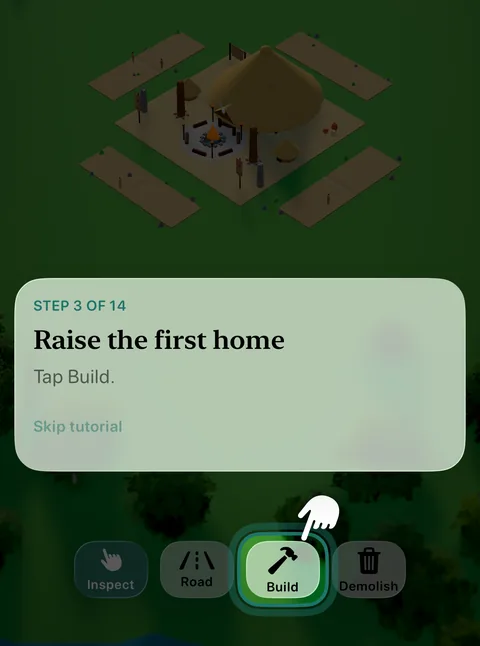 GuideThe coach and your goalsHow the guided tutorial teaches your first city, the one-time tips that explain new features, and the goals that lead you through every age.
 GuideDifficultyRelaxed, Standard or Challenging: chosen when you found a city, it sets how much things cost and how hard the world pushes back.
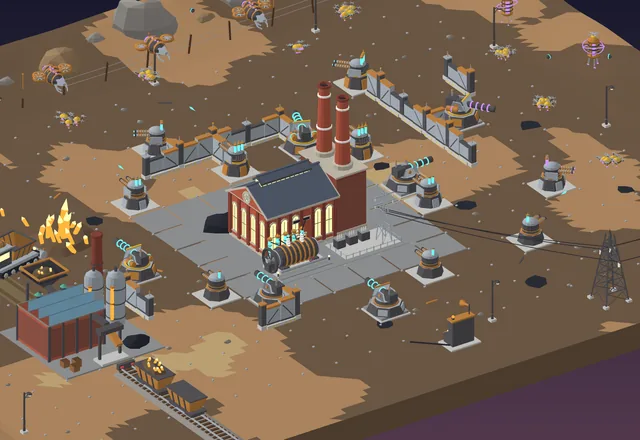 Coming soon · Industrial AgeHold the LineThree nights of storm-drones: harvest ore, build walls and turrets around the power plant, and keep the lights on until dawn.
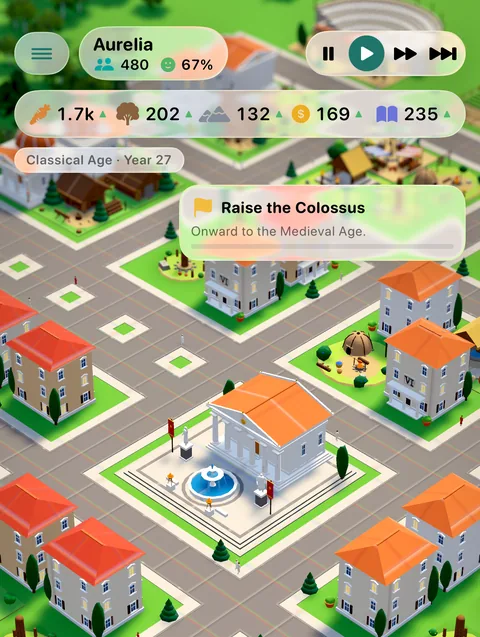 GuideHow to PlayFound a city, connect it with roads, grow your homes through the service ladder and raise a wonder in every age. Everything you need, in one page.
Generated from the Erapolis game data, with pictures from the game itself. Numbers are per minute of game time, at Standard difficulty.