
Guide
Placing buildings
Choose a building, let it find the best spot, turn its door to the street and confirm. Nothing is spent until you tap Place.
Choosing a building
Tap Build to open the drawer. Buildings are sorted into tabs by type, and each card shows its price; tap the info button for About the building. Buildings unlock as your city reaches their age, and wonders once enough people live in your city.
Finding the spot
The building appears on the best free spot near where you are looking, with other good spots outlined on the map. Drag it (it snaps from tile to tile), tap an outlined spot to jump there, or tap any tile. The card above it shows the price, and if a spot can't take it, says why.
Wherever it lands, a building turns its front door to the nearest street. Tap Rotate or twist two fingers to turn it yourself; it then keeps your choice. A gentle hint shows when a door faces away from the road.
Confirming
Tap Place to build it. Only then is the price paid, and the building moves on to the next best spot so you can place another; Done puts it away. For a few seconds, Undo can take the placement back. Any trees under the new building are felled, and each gives a little wood.
Where producers must go
Some producers need the right ground beside them, and they work faster the more of it surrounds them:
- Forager's Camp: near fertile meadow
- Fishing Hut: near water
- Woodcutter's Lodge: near forest
- Stone Pit: near rock
- Wheat Farm: near fertile meadow
- Windmill: near fertile meadow
Keep reading
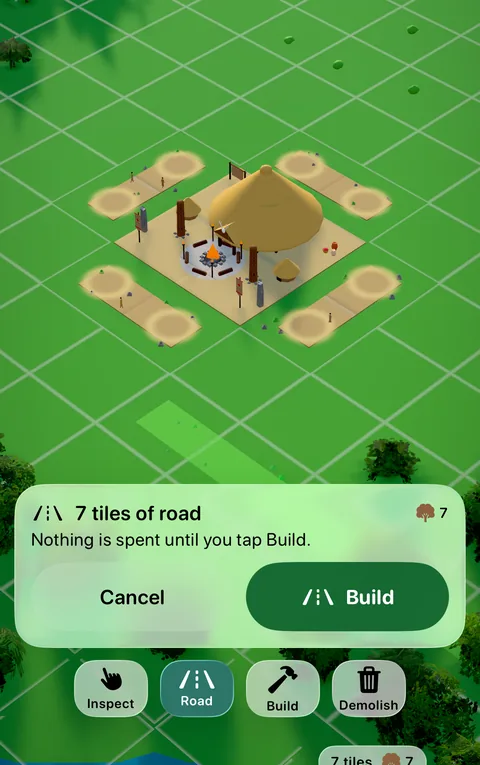 GuideRoads and the Town CenterEvery building must touch a road that leads back to the Town Center. How to draw roads, what they cost, and what happens without them.
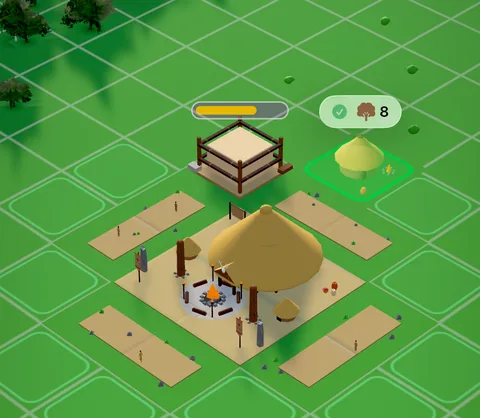 GuideConstructionNew buildings start as sites. A progress bar floats over each one, and the work only goes on while a road reaches it.
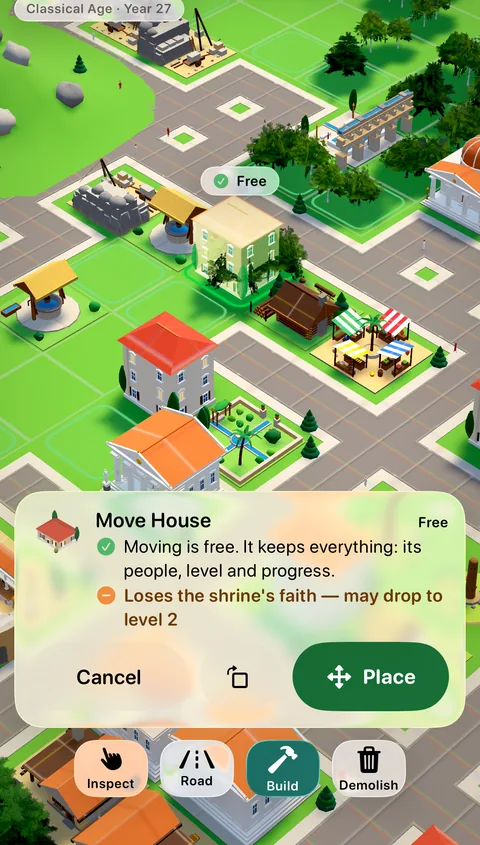 GuideMoving and rotating buildingsPick up a placed building and set it down somewhere better, for free. The game previews which homes gain or lose a service before you commit.
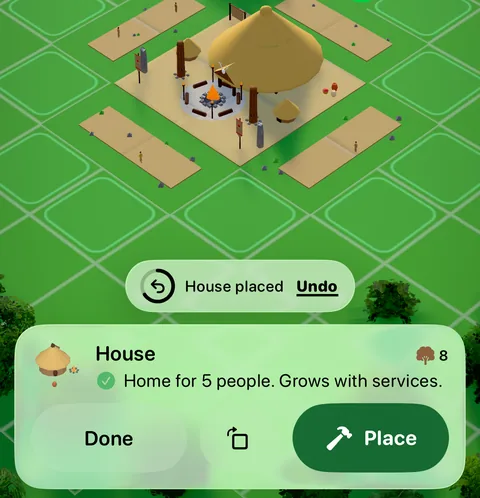 GuideUndoPlaced something in the wrong spot? For a few seconds after you place, build a road, move or upgrade, Undo takes it back and refunds what it cost.
Generated from the Erapolis game data, with pictures from the game itself. Numbers are per minute of game time, at Standard difficulty.